

Update your name, email address and password from the Account menu.
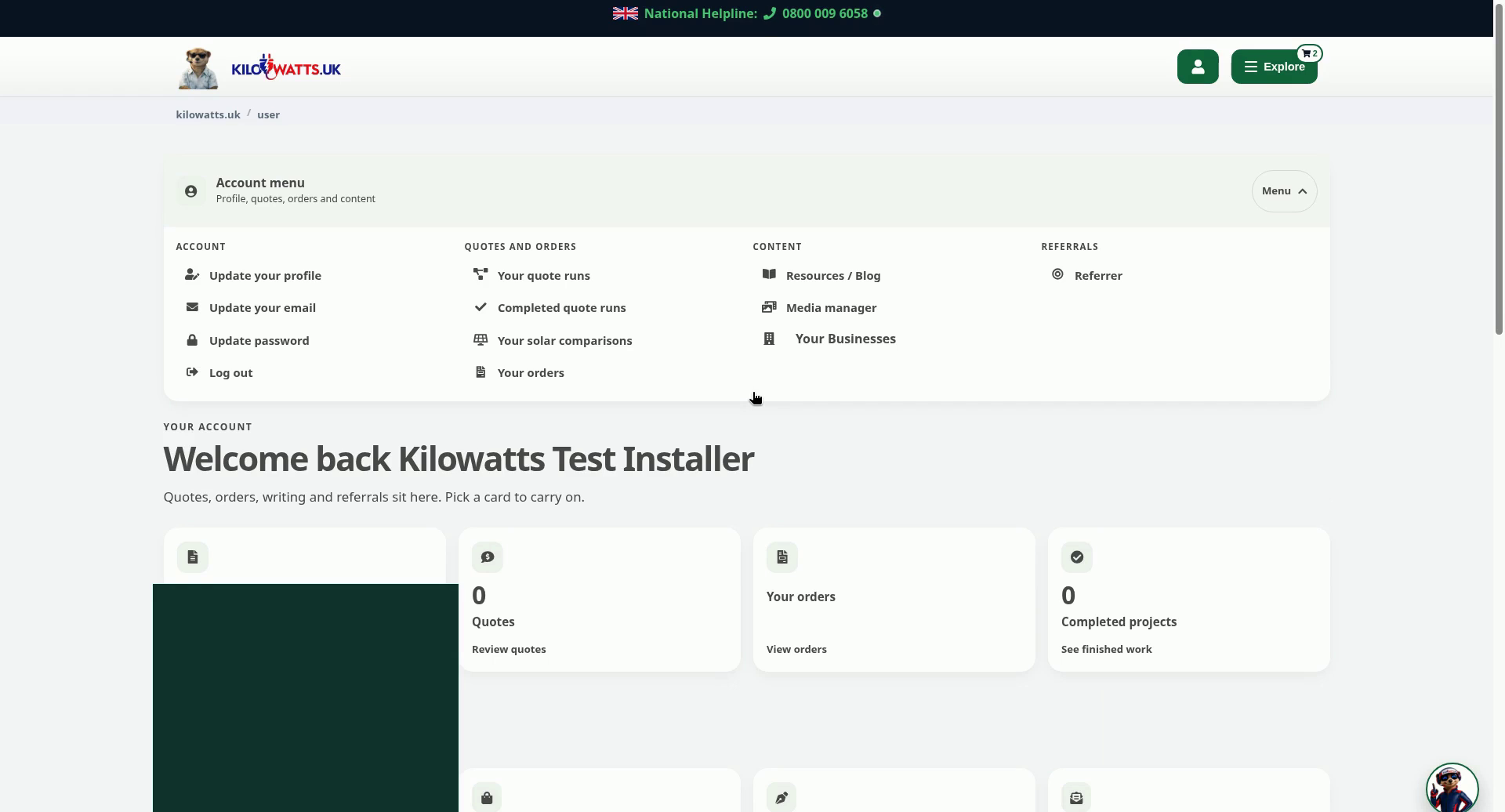
Step 1: Open the Account menu
From your account home, select Menu on the Account menu bar. Under Account you'll see Update your profile, Update your email, Update password and Log out.
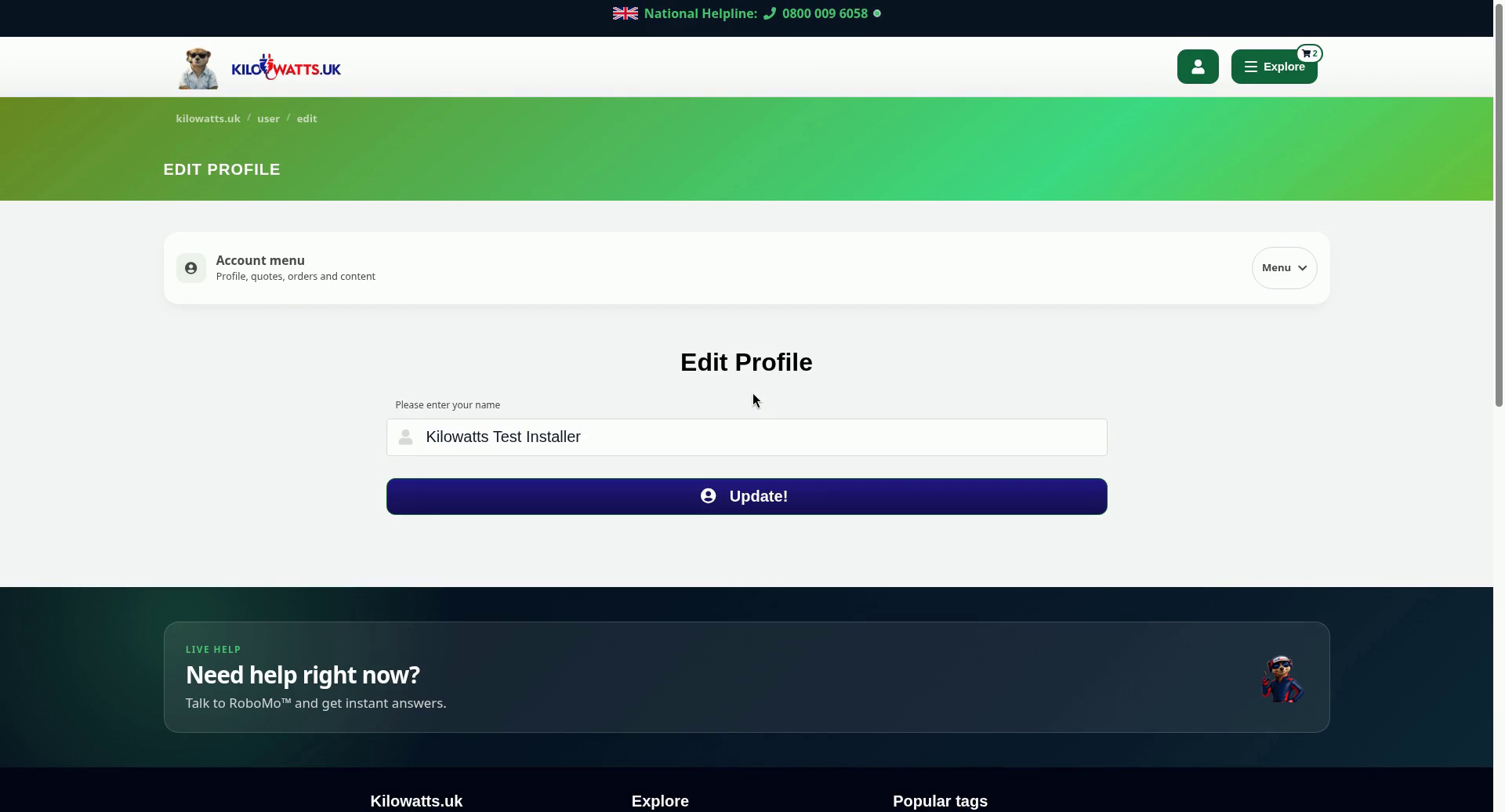
Step 2: Update your profile name
Choose Update your profile. Enter your name in Please enter your name, then select Update!.
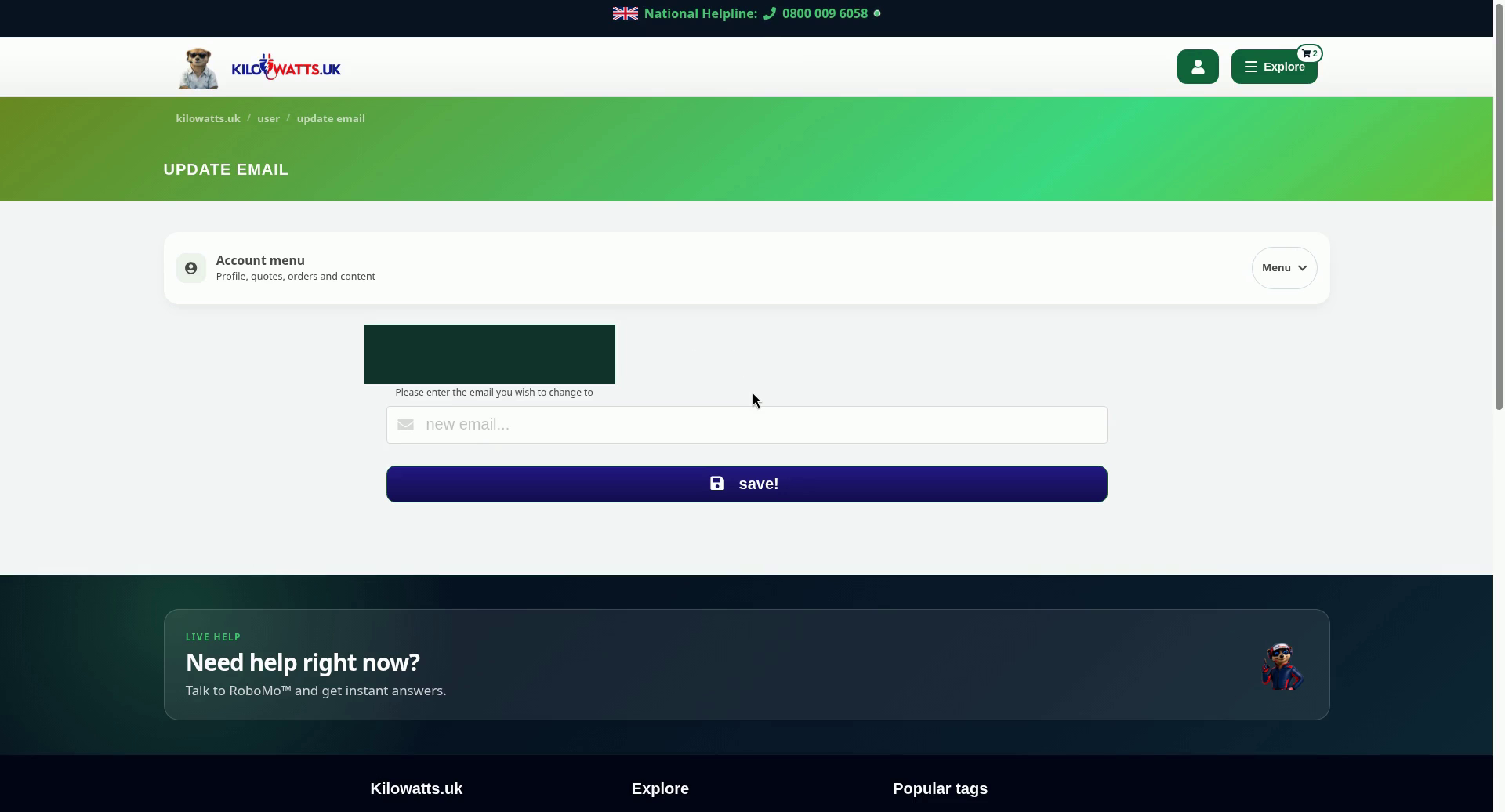
Step 3: Change your email address
Choose Update your email. Type the new address in Please enter the email you wish to change to, then select save!.
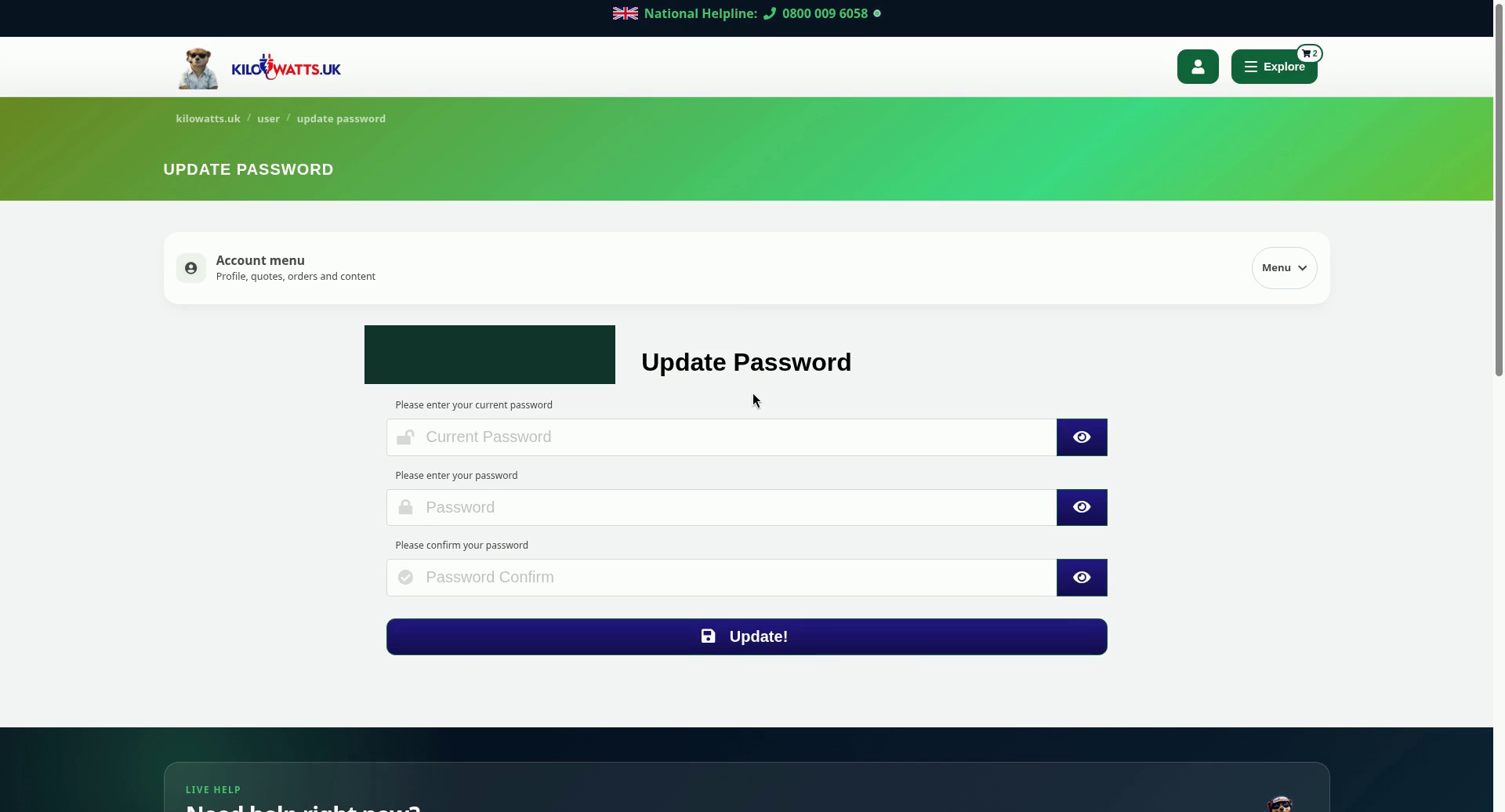
Step 4: Change your password
Choose Update password. Enter your Current Password, then your new password in Password and again in Password Confirm. Select Update!. Use the eye button next to a field if you want to check what you've typed.
Never share your password, including with Kilowatts staff.