East- and west-facing arrays can spread solar production across a longer part of the day
East- and west-facing arrays can spread solar production across a longer part of the day.
Read article


Reading
East- and west-facing arrays can spread solar production across a longer part of the day.
Read article

Discover Mo's Solar Mission, a community-powered solar initiative where schools can be nominated, supported and considered for a community-funded installation.
Read article
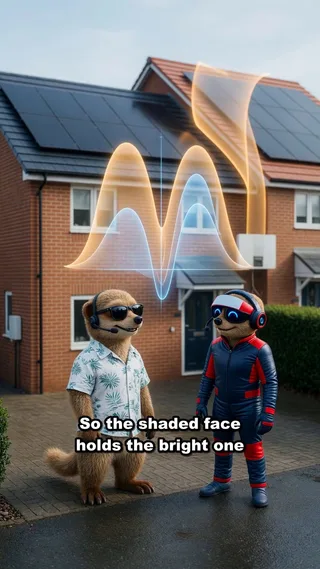
East and west roof slopes peak at different times. Here's why they need separate MPPT inputs, and why two DC sockets on an inverter isn't the same thing.
Read article

A solar panel has two warranties: one on the hardware, a longer one on output. Here is what each covers in the UK, and what it means when one ends.
Read article
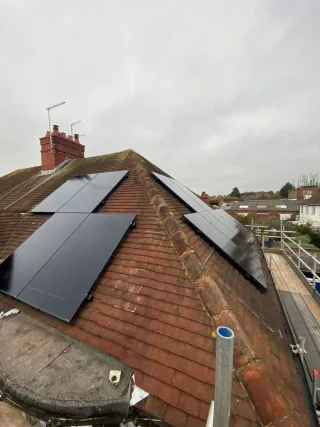
An export limit caps what your solar sends to the grid, not what your home uses. Here is how UK inverters manage surplus, and why annual losses stay small.
Read article
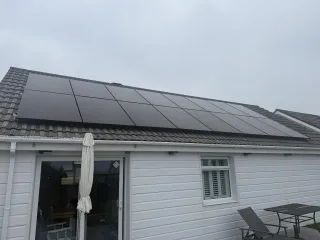
On cold UK mornings a home battery limits its own charge current to protect the cells, warms up first, then charges fully. Here's why that's protection, not a fault.
Read article
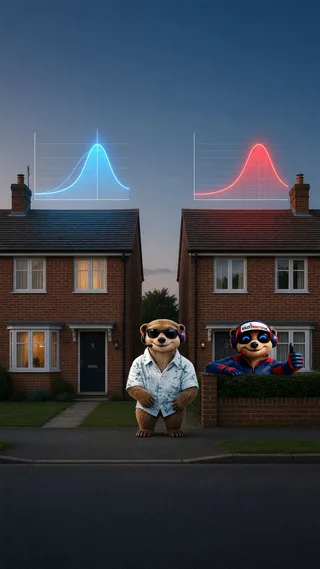
The same building can need a different solar-and-battery design when its electricity demand occurs at different times.
Read article

An EV is a large, flexible electrical load. Here's how UK home charging changes solar self-consumption, sizing decisions and long-term system value.
Read article

East and west roofs spread solar output across the day. Here's why self-consumption, shade and diffuse light matter more than compass bearing in the UK.
Read article

A home battery stores daytime solar and releases it in the evening. Here's how time-shifting works, what happens when it empties, and how to size one properly.
Read article
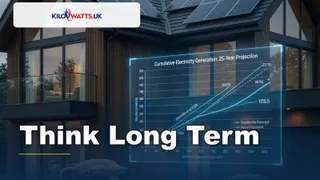
If twenty panels fit, why fit ten? A practical UK guide to sizing solar for decades of generation, plus the limits that decide how big you can go.
Read article

Why solar panels make DC, how the inverter converts it to AC at 50 Hz, and why your system shuts down in a power cut unless you have battery backup.
Read article

One chimney shadow can cut output across a whole solar string. Here's why series wiring limits current, and how optimisers isolate the loss in UK homes.
Read article

How a solar diverter sends midday surplus into your immersion heater, why tanks heat from the top down, and whether it suits your UK home.
Read article

Yes — a home battery can fill from cheap off-peak grid electricity, then run your house through the expensive peak. Here's how it works in UK homes.
Read article

UK home EV chargers need roughly six amps — about 1.4 kW — before a session can start. Here's why small solar surpluses export instead of charging.
Read article

A home battery's quoted capacity isn't always what you can use. Here's why buffers exist, how to read a quote properly, and what it means in UK homes.
Read article
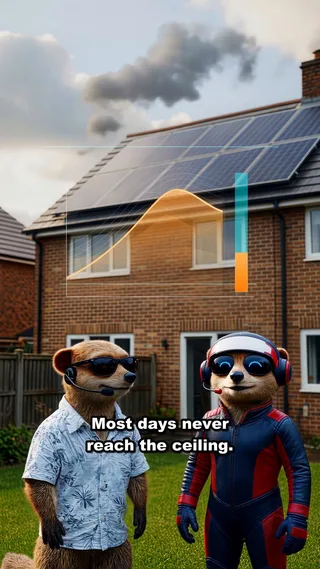
Oversizing a solar array above the inverter rating is deliberate UK design. Here's what clipping really costs, and why the dim hours gain far more.
Read article

Panels and inverters don't age at the same rate. Here's why UK solar owners should budget for one mid-life inverter swap and price the whole 25 years.
Read article
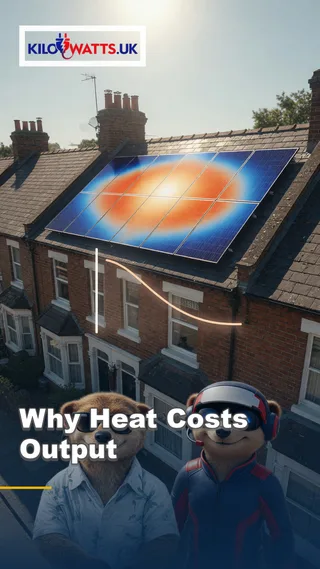
Solar panels want light, not heat. Here's why rising cell temperature cuts voltage and output, and why a cold bright British morning can beat a hot afternoon.
Read article
Write for Kilowatts.uk
Write it here under your own name. Sign in, put a profile up, and start a guide. Pay only if you want more links from your articles out to your own site.
Create a Kilowatts.uk account, or sign in if you already have one.
Put your name, photo and experience on a public author page.
Write a guide or a blog. Free authors can put one followed link to their own site in articles each month.
Solar comparison
Enter your postcode to assess your roof, compare solar options and connect with trusted UK installers.
Choose home, business or industrial, then enter your postcode. RoboMo maps the roof and ranks panel brands by fit.
1. Postcode Start the assessment for your property.
2. Pin the roof Mark the array on the map.
3. Compare RoboMo™ builds your options.

Battery ROI tool
Enter the day rate, off-peak rate and export rate. The calculator ranks batteries in the Kilowatts shop over 10 years. Home batteries also suit offices and small commercial sites.

Authorised UK partner
Choose a location, configure Flower Turbines and see estimated annual generation from location-specific wind data. No account required.
Open the designer and lay out turbines on your site.
1. Postcode Open the designer for your site.
2. Layout Place turbines in the space you have.
3. Forecast See estimated annual generation.
Live help
Talk to RoboMo™ and get instant answers.
Live chat