

The Battery ROI calculator asks a few questions about your home and your bill, then ranks the batteries in the Kilowatts shop. The figures below are example rates and example figures used for this guide, not recommendations. Use the numbers on your own bill. As the page says, results are a guide, not a quote.
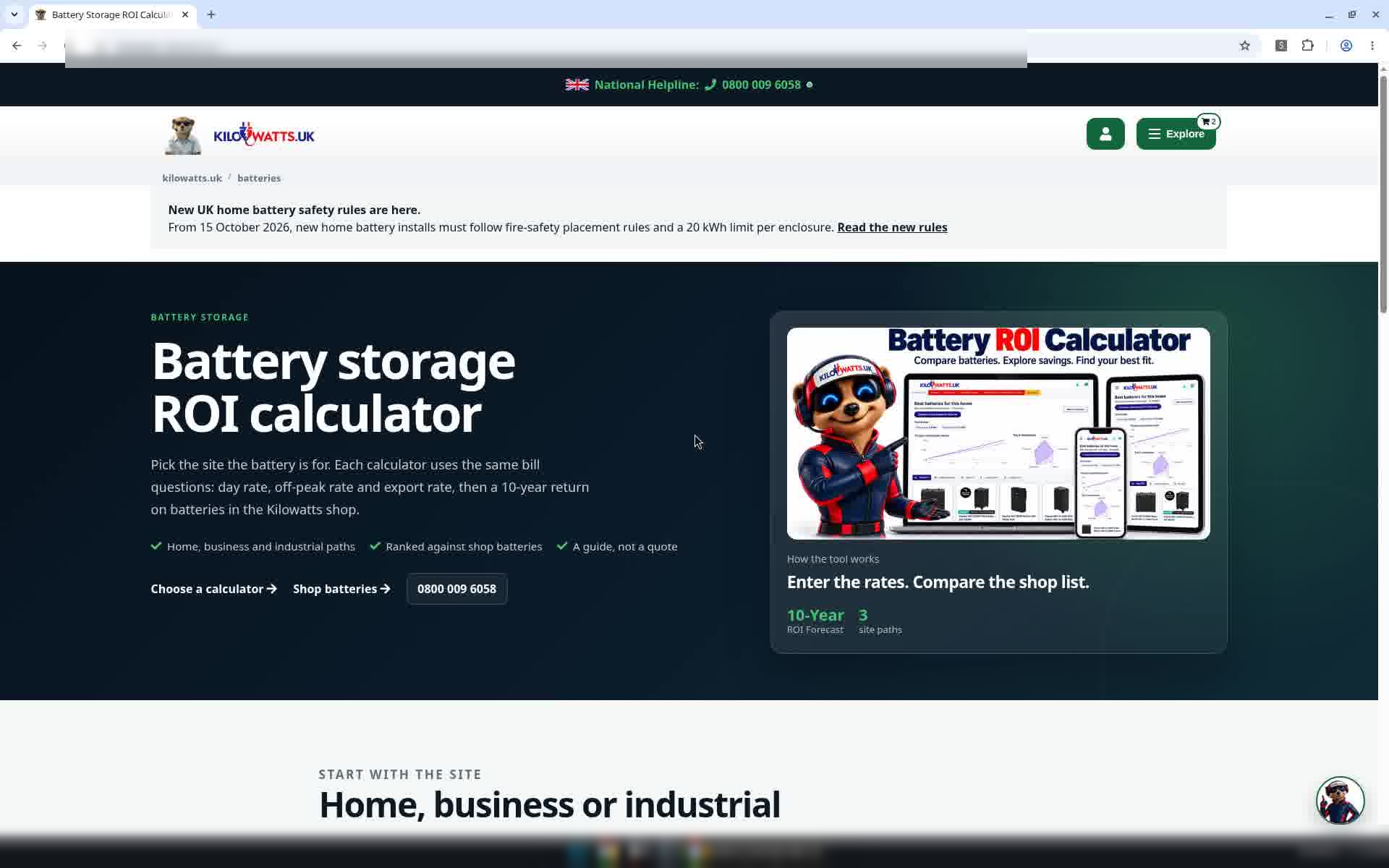
Step 1: Start at the Battery ROI calculator
Go to Batteries on kilowatts.uk and select Choose a calculator.
Step 2: Choose Home
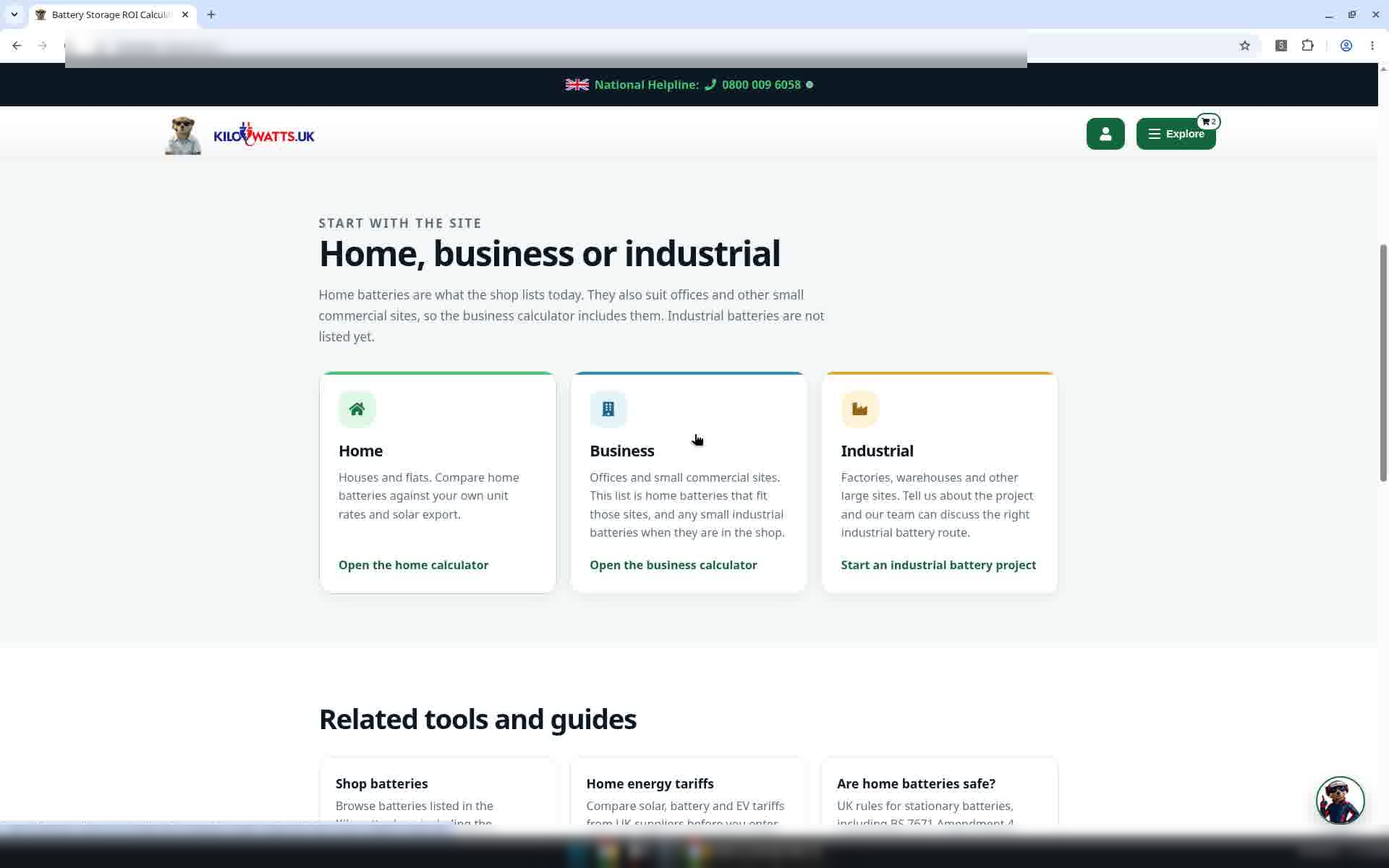
Under Home, business or industrial, select Open the home calculator.
Step 3: Solar panels
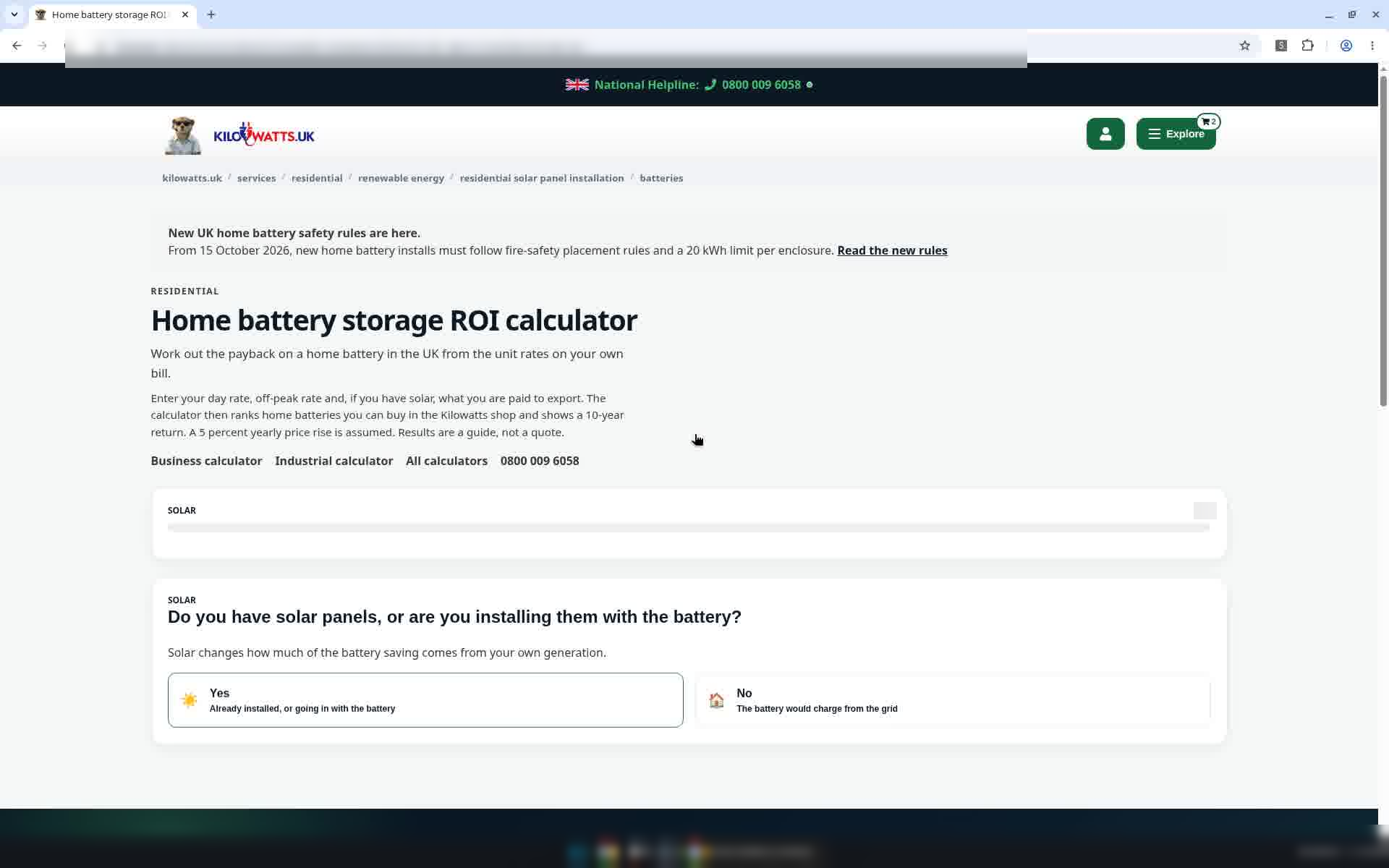
Do you have solar panels, or are you installing them with the battery? This example chooses Yes: already installed, or going in with the battery. If you don't have solar, choose No and the solar question is skipped.
Step 4: Solar generation
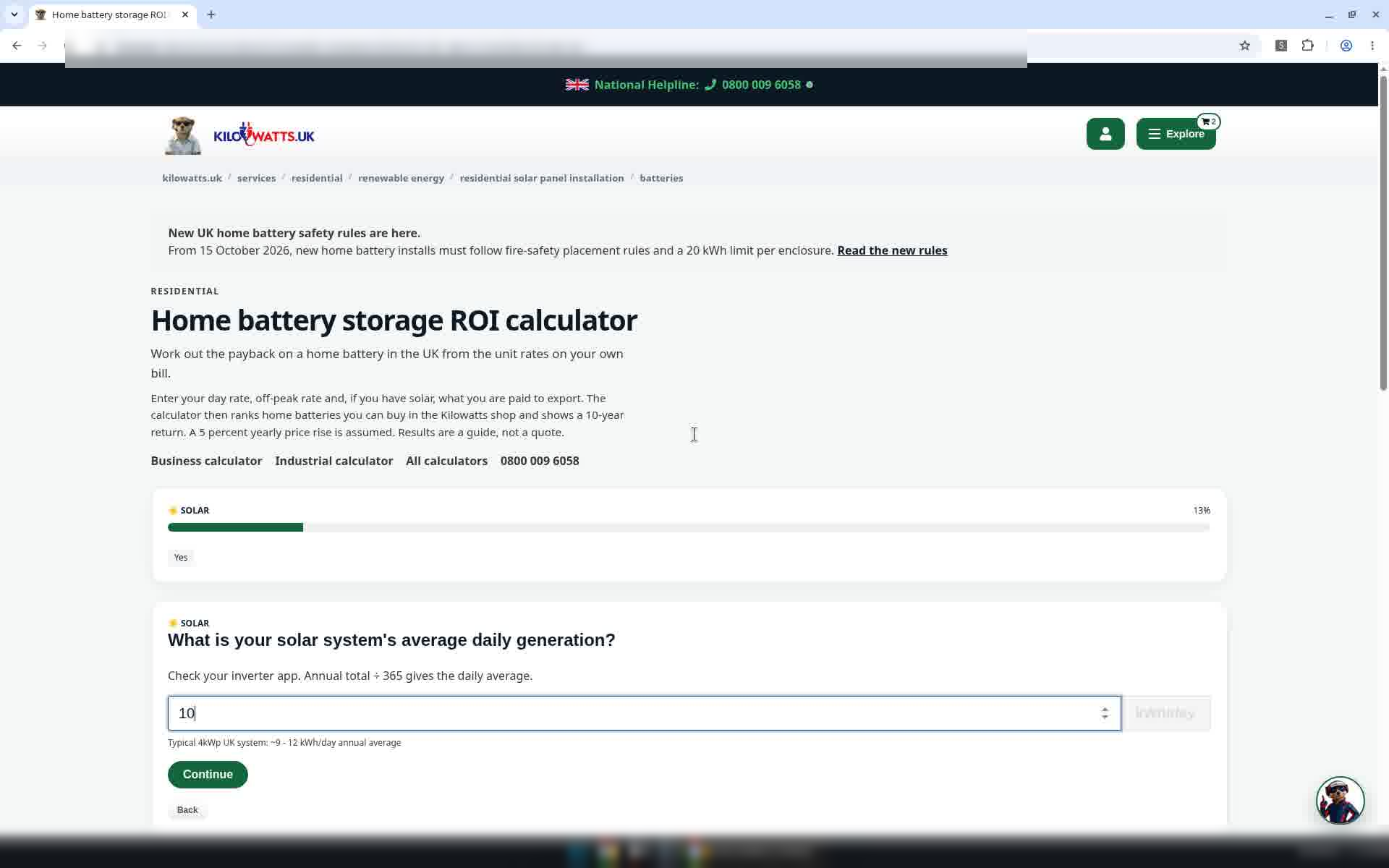
Enter your solar system's average daily generation in kWh/day. You can check it on your inverter app, and a hint under the box gives a typical range. This example uses 10. Select Continue.
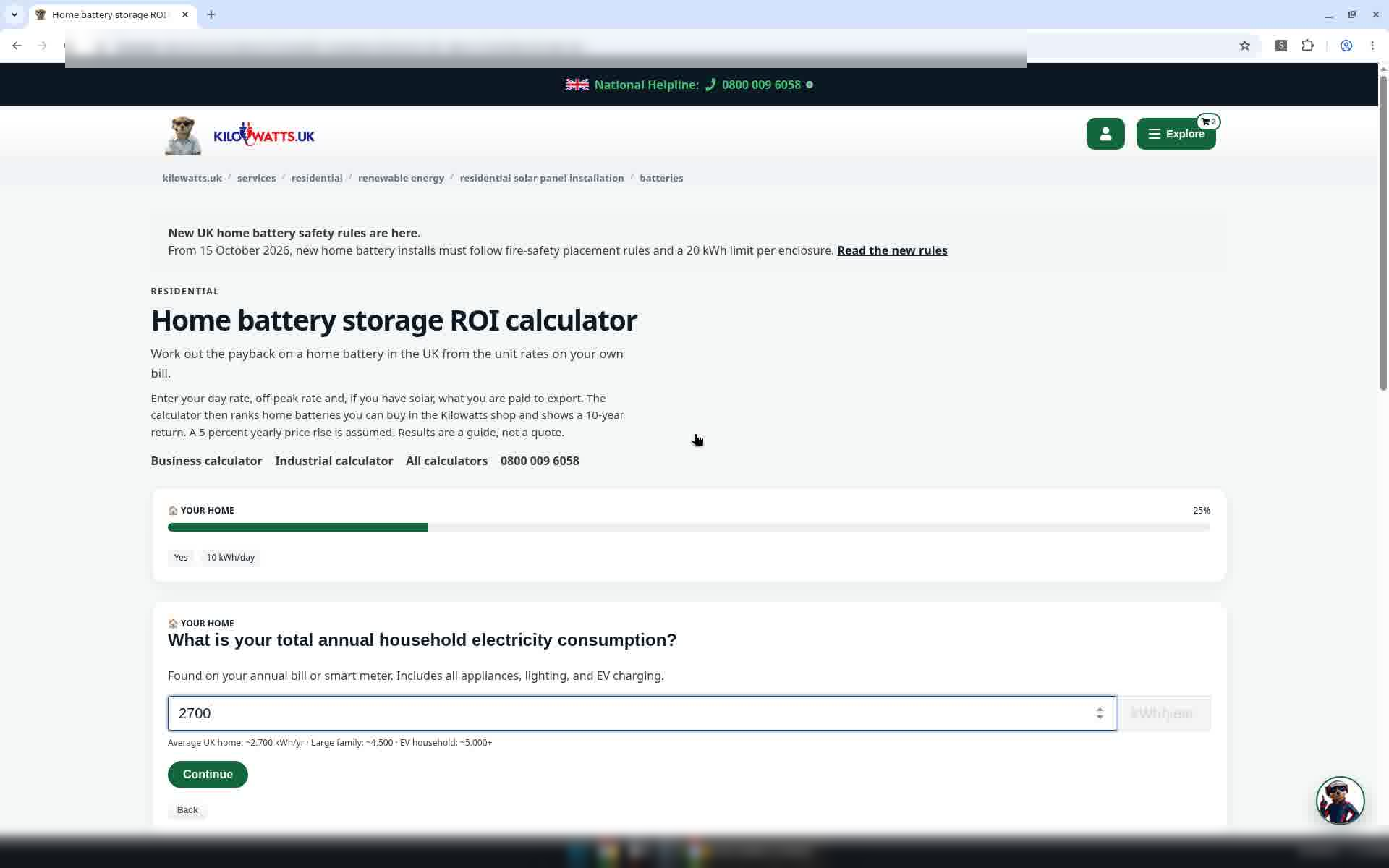
Step 5: Annual electricity use
Enter your total annual household electricity consumption in kWh/year from your bill or smart meter. This example uses 2700. Your answers so far appear as chips above each question.
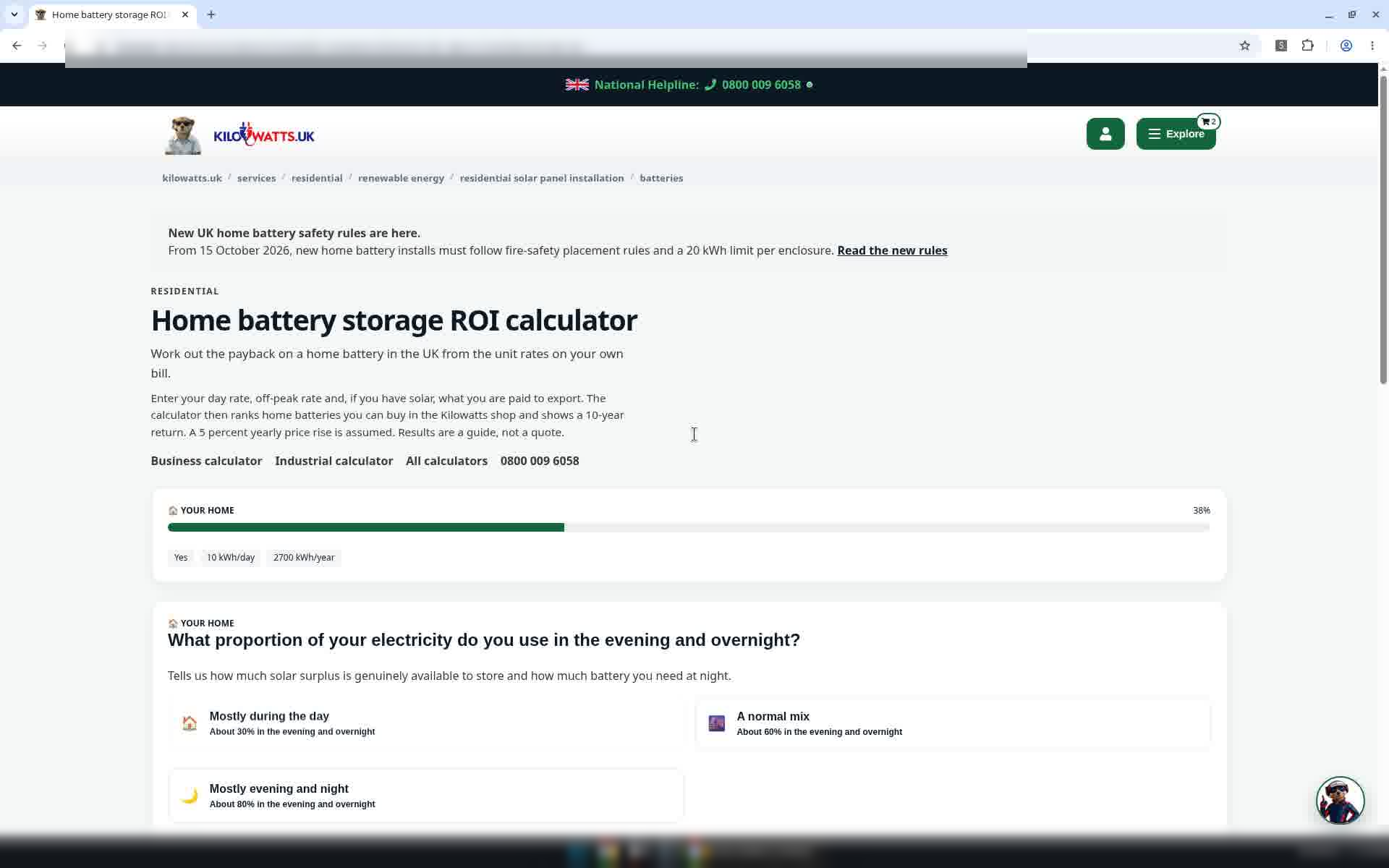
Step 6: When you use electricity
Choose how much you use in the evening and overnight. This example uses A normal mix.
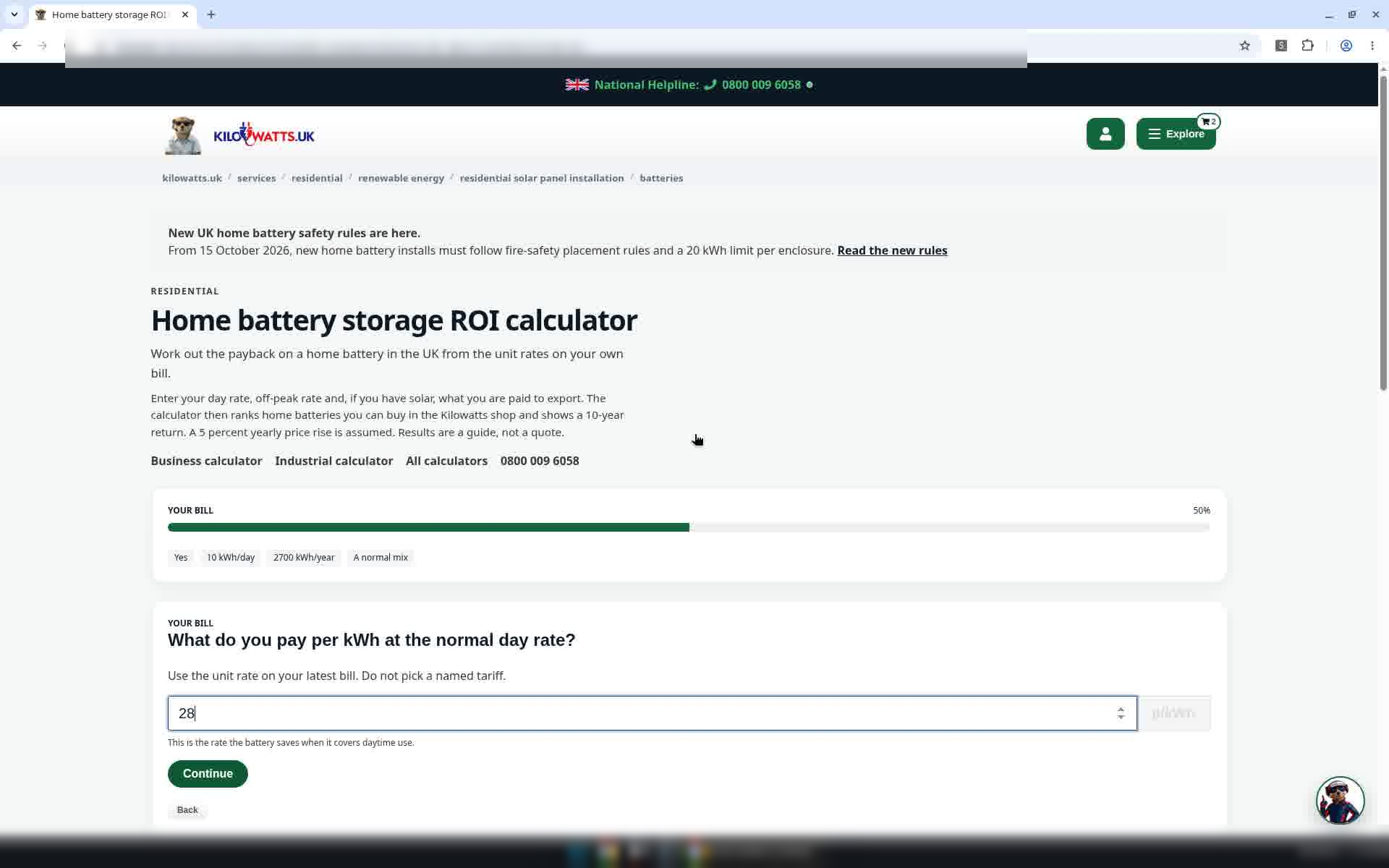
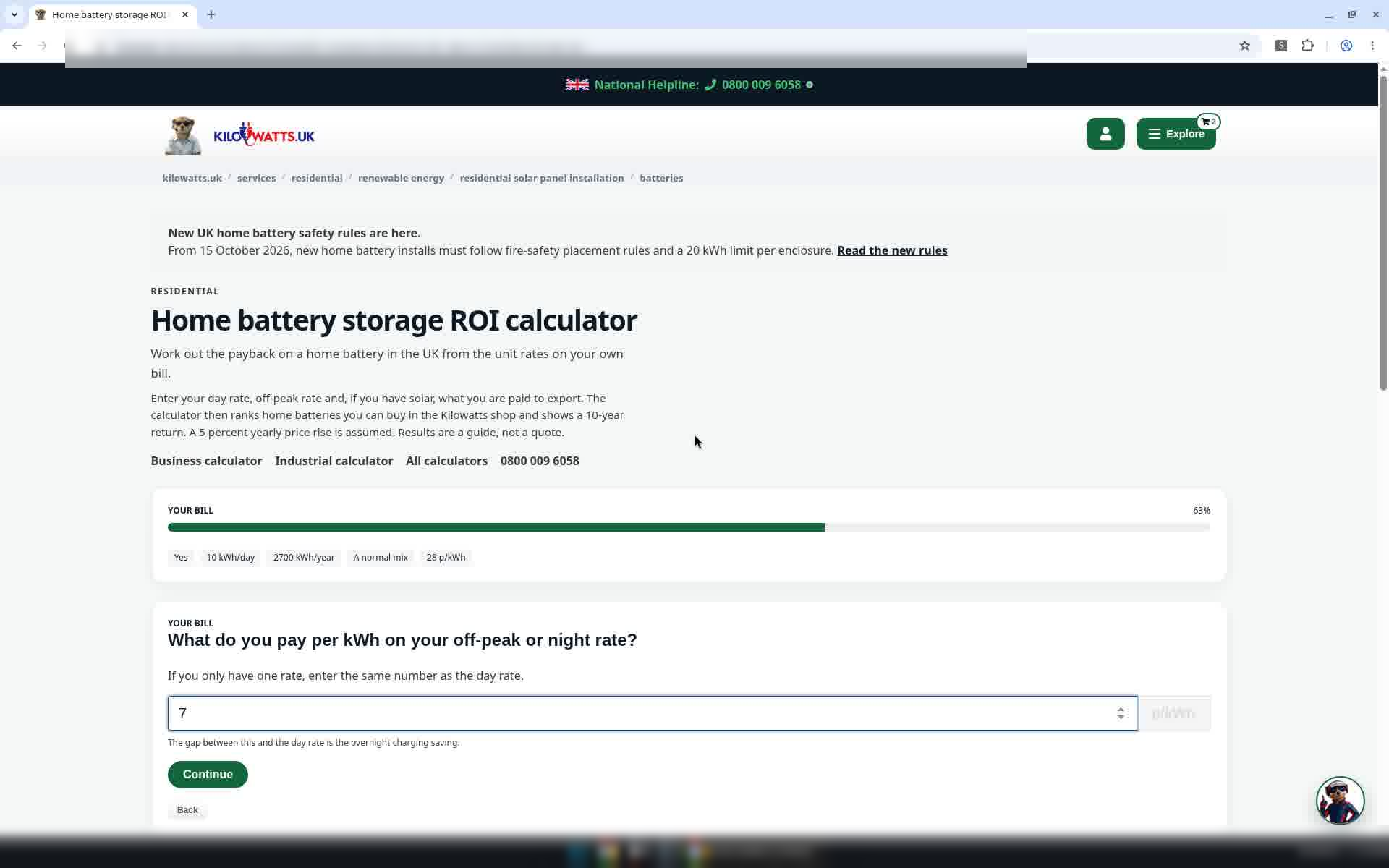
Step 7: Your example rates
Enter your normal day rate in p/kWh (example: 28), then your off-peak or night rate (example: 7). If you only have one rate, enter the same number twice.
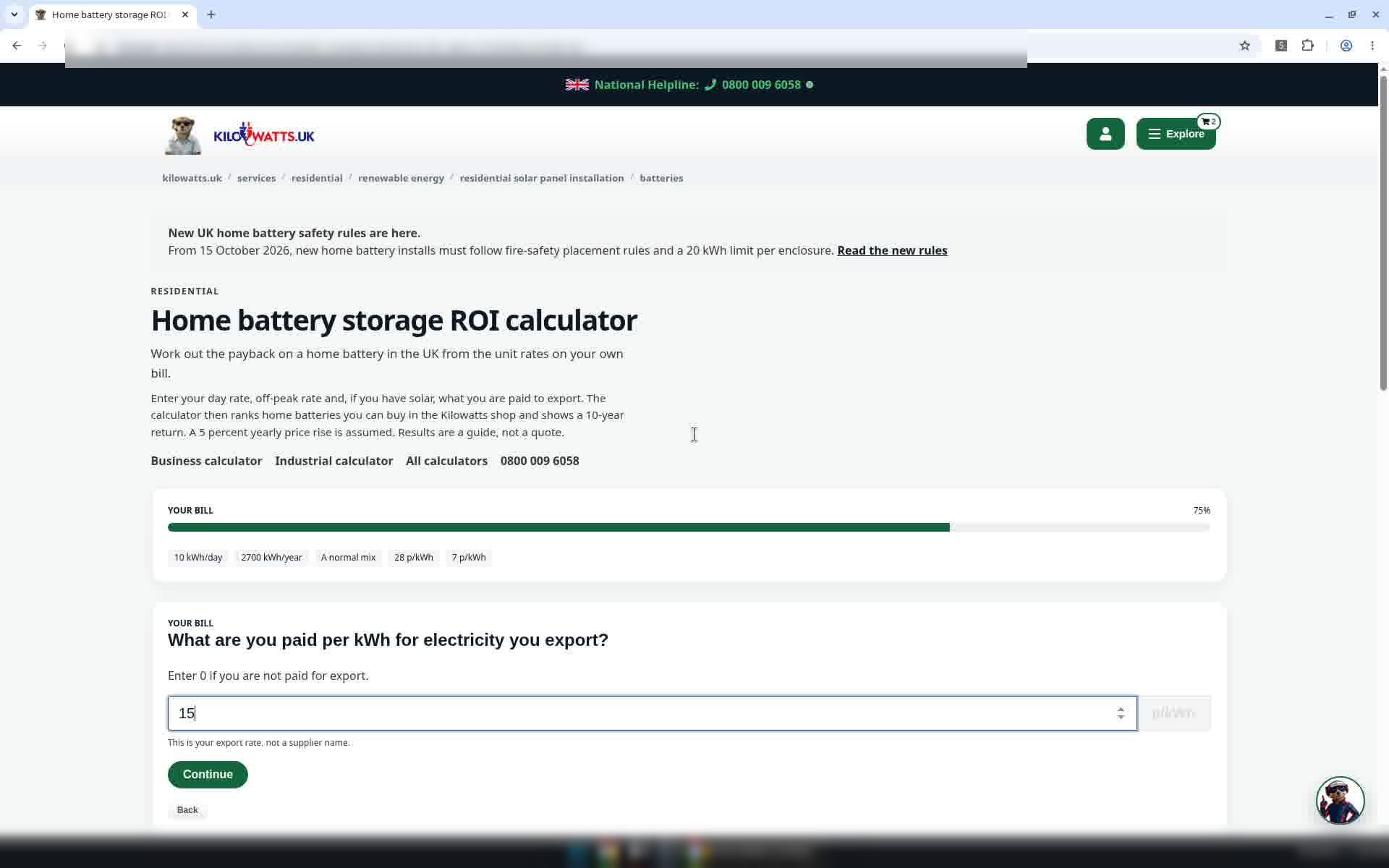
Step 8: Export rate
Enter what you are paid per kWh for electricity you export (example: 15). Enter 0 if you are not paid for export.
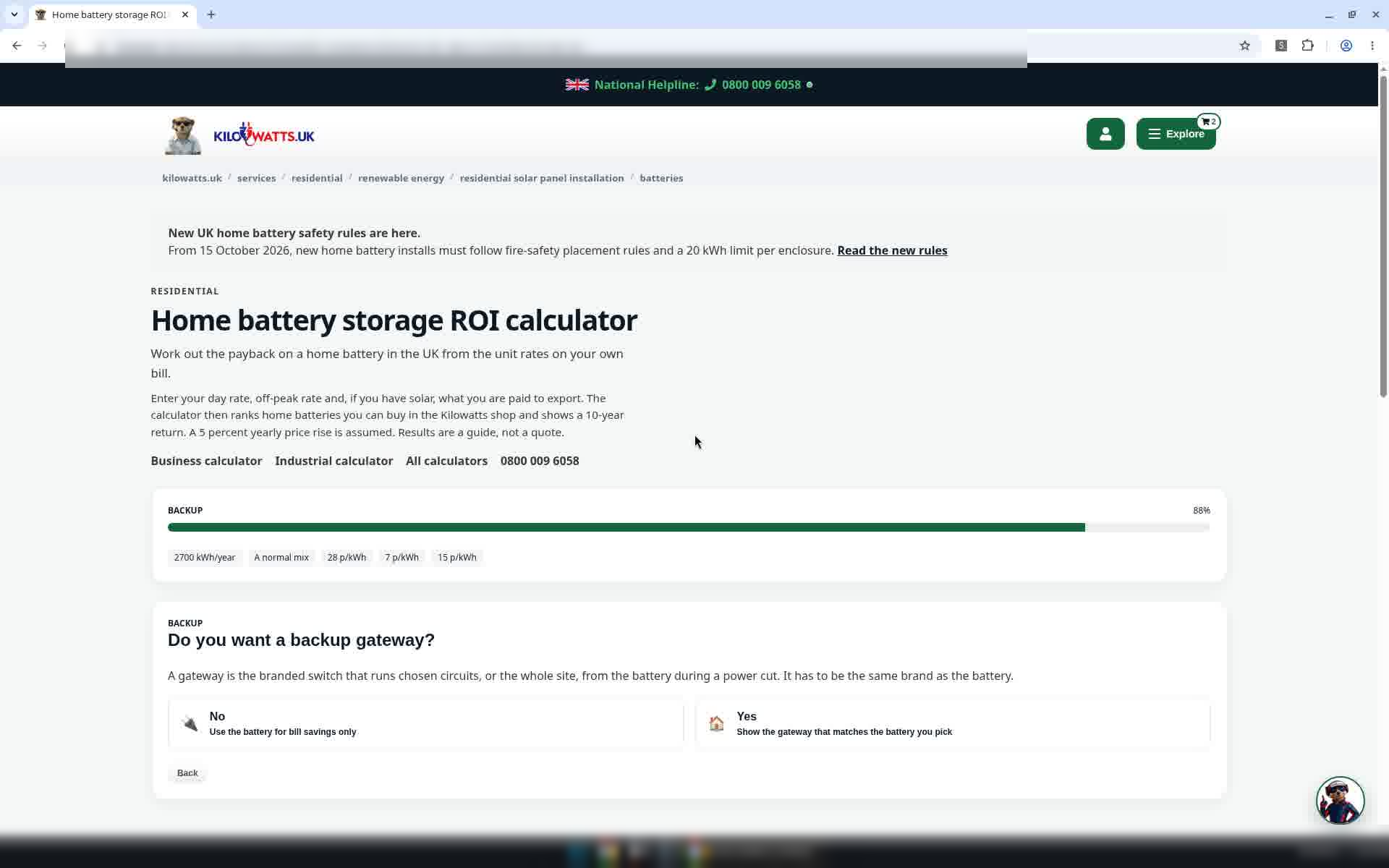
Step 9: Backup gateway
Do you want a backup gateway? This example chooses No, which means using the battery for bill savings only.
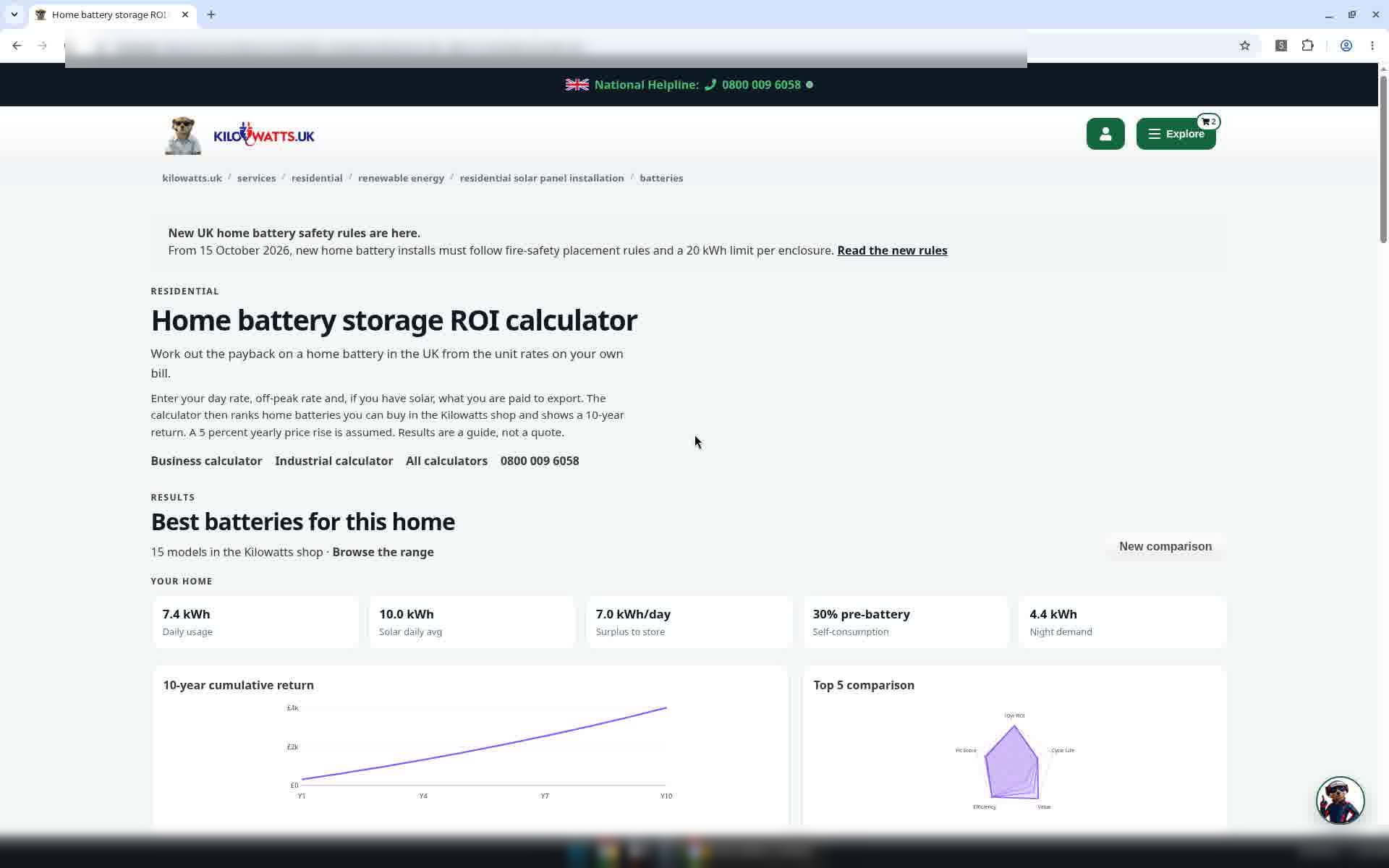
Step 10: Best batteries for this home
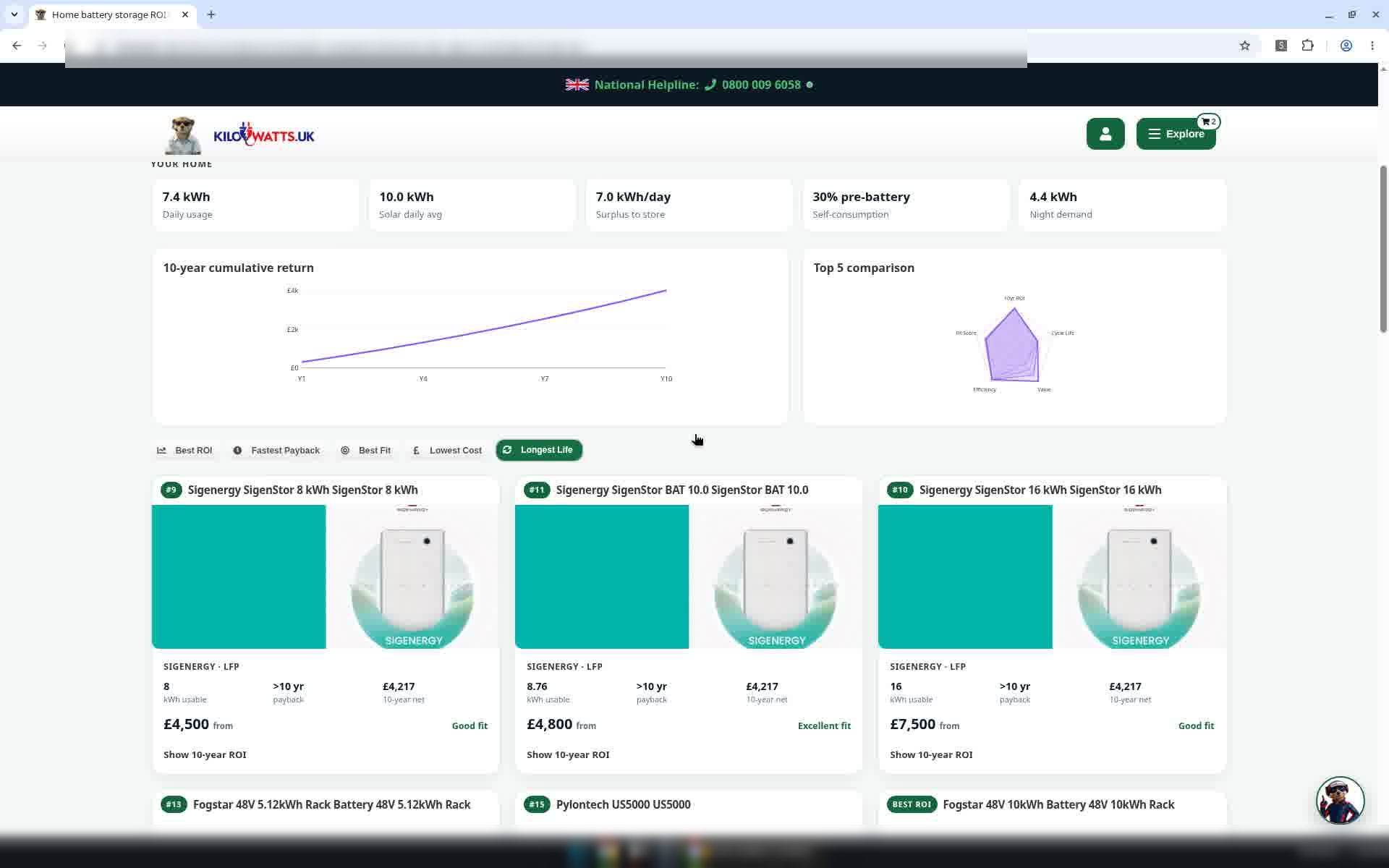
The results show Best batteries for this home, ranked from the 15 models in the Kilowatts shop. Tiles summarise your home: Daily usage, Solar daily avg, Surplus to store, Self-consumption and Night demand. Below them are a 10-year cumulative return chart and a Top 5 comparison chart. Select New comparison to start again.
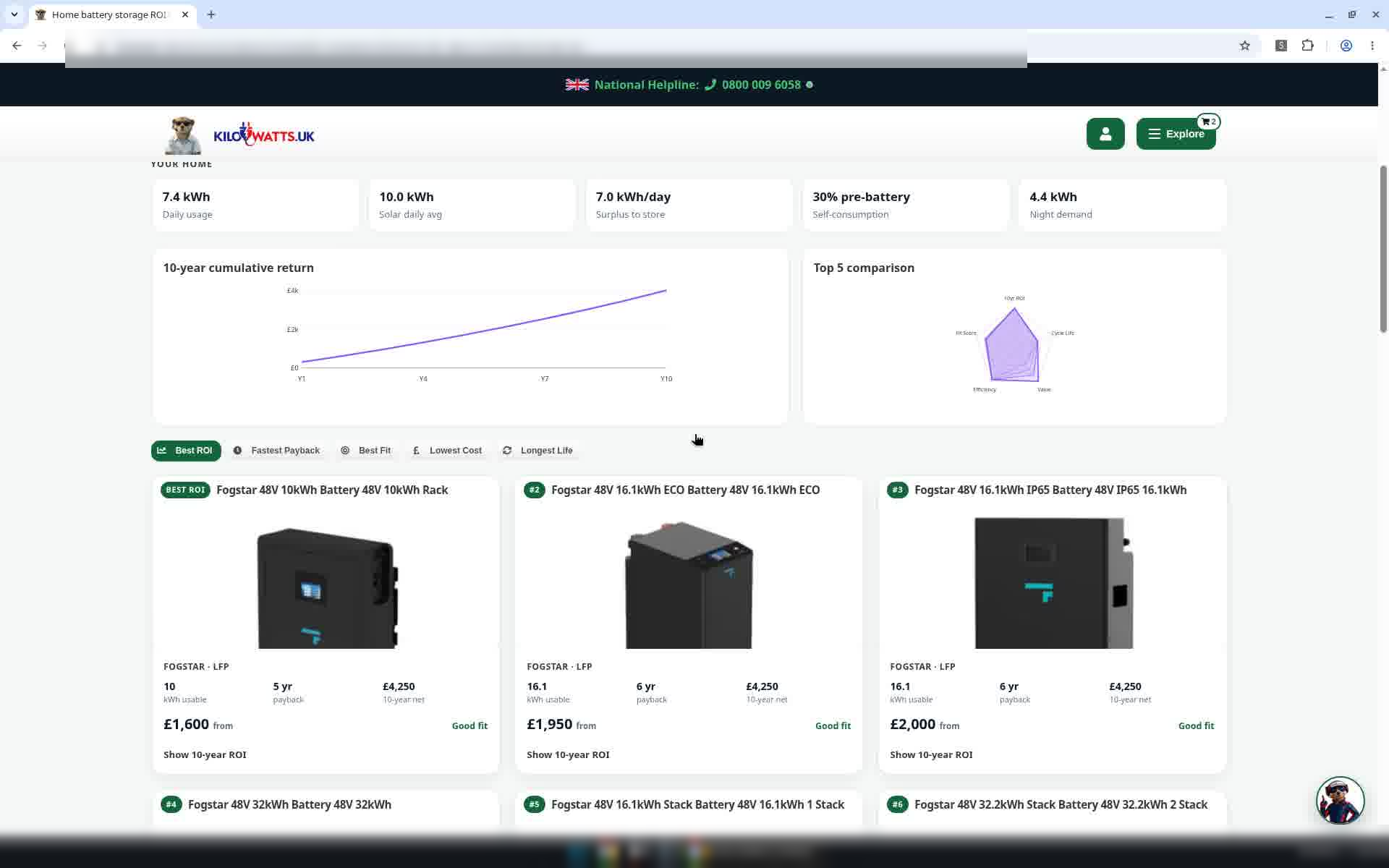
Step 11: Change how batteries are ranked
Use Best ROI, Fastest Payback, Best Fit, Lowest Cost and Longest Life to reorder the battery cards. Each card shows the battery, its usable kWh and the calculator's estimates for your figures.
Step 12: See one battery's 10-year estimate
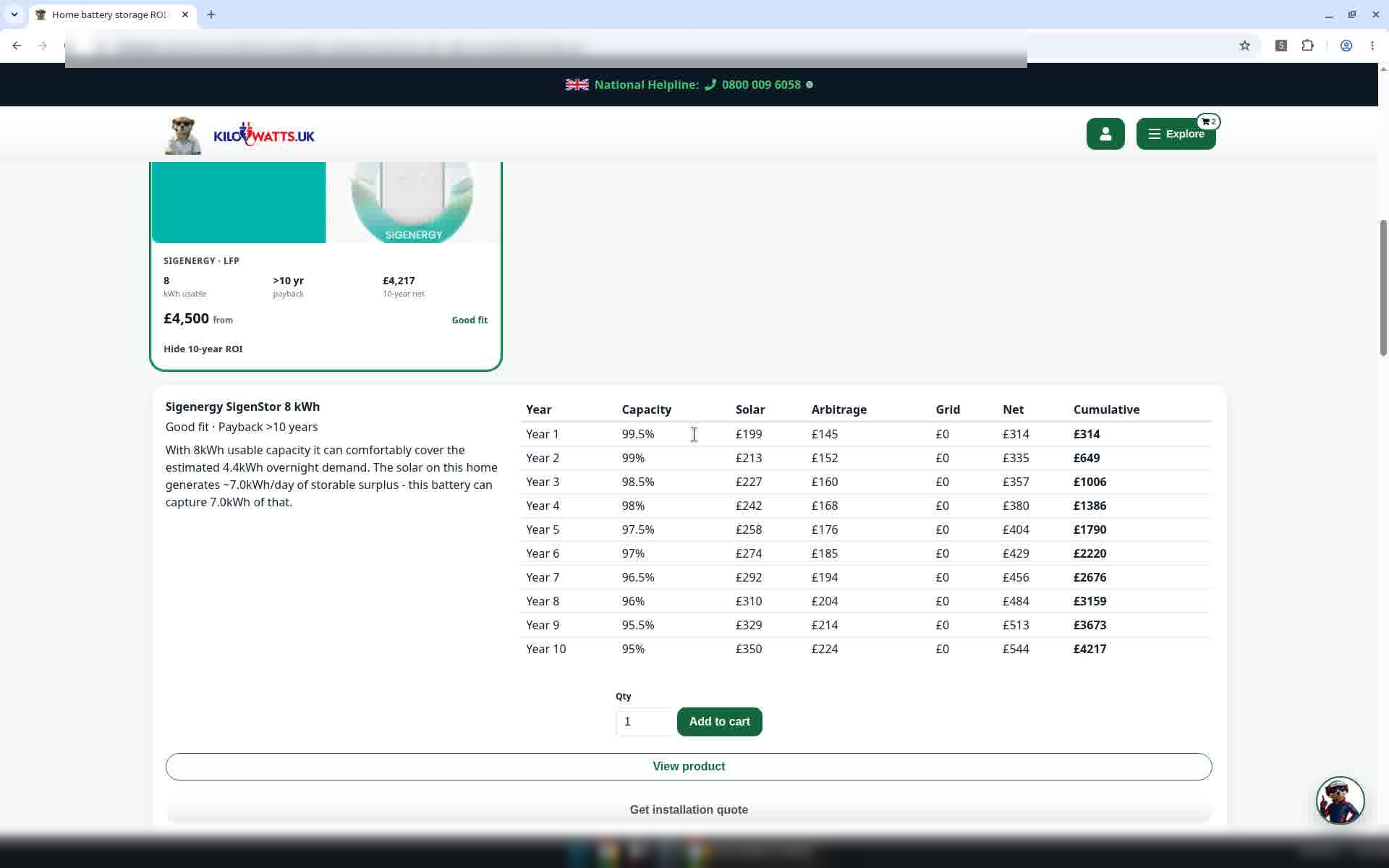
Select Show 10-year ROI on a card to open a panel under it. The example shows a Sigenergy SigenStor 8 kWh battery. The panel has a short explanation and a table of the calculator's estimates from Year 1 to Year 10. From the panel you can also Add to cart, View product or Get installation quote, but none of these are used in this guide. Select Hide 10-year ROI to close it.
All figures are calculator estimates based on the numbers you entered. They are not advice or a quote.
Also see: Business battery calculator · Industrial: tell us about your project
Questions? Call 0800 009 6058.