

Preview Edits opens your public listing page so you can check how it looks. This guide covers viewing the preview only.
Step 1: Open Preview Edits from the Business menu
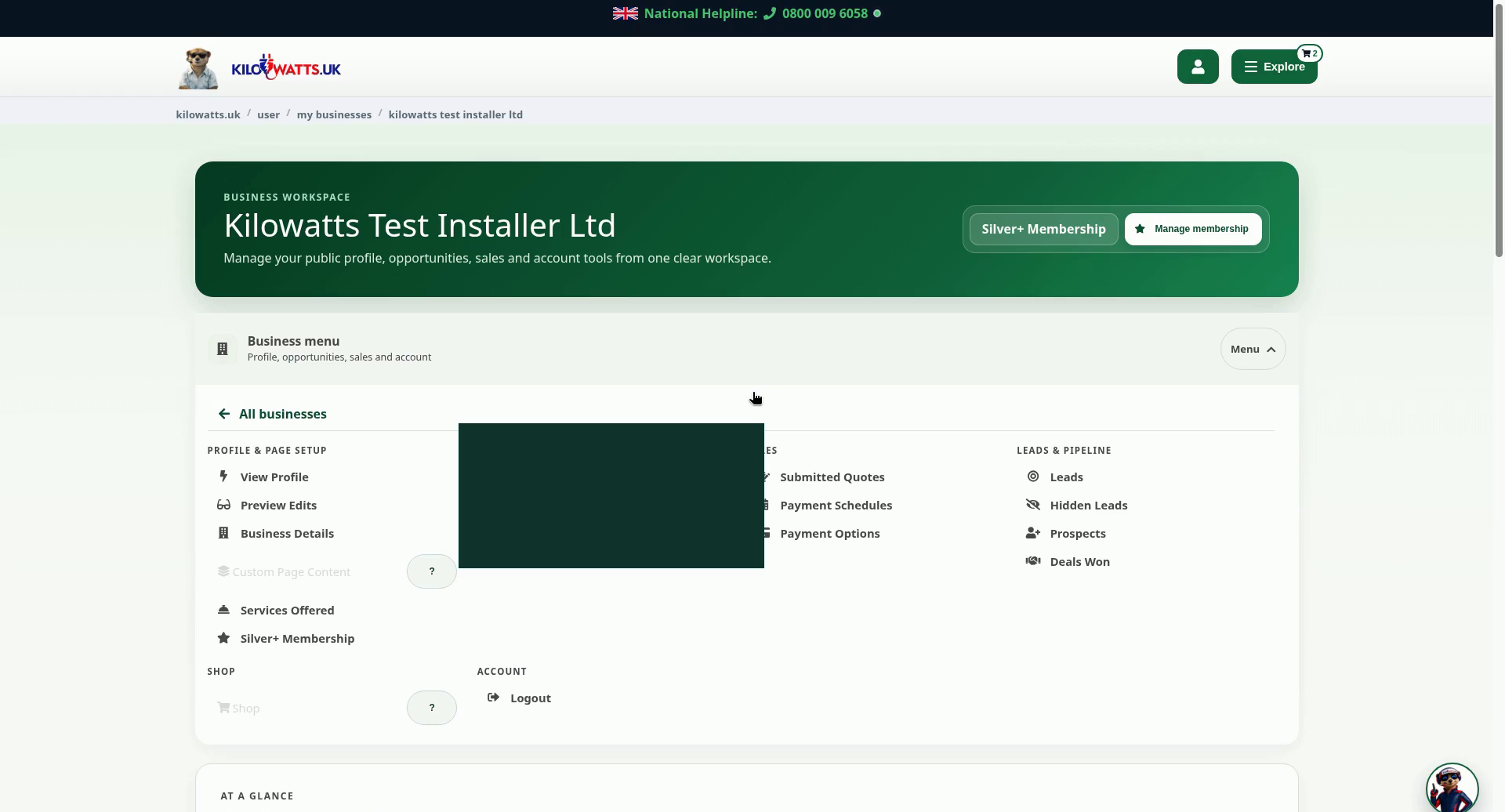
In your business workspace, select Menu on the Business menu bar. Under Profile & page setup, choose Preview Edits. The preview opens in a new browser tab.
Step 2: See your listing as customers see it
The preview shows your business name and the short description customers see, with your contact details underneath. Further down the page are Related businesses and Sources & further reading. Close the tab when you're done to return to your workspace.
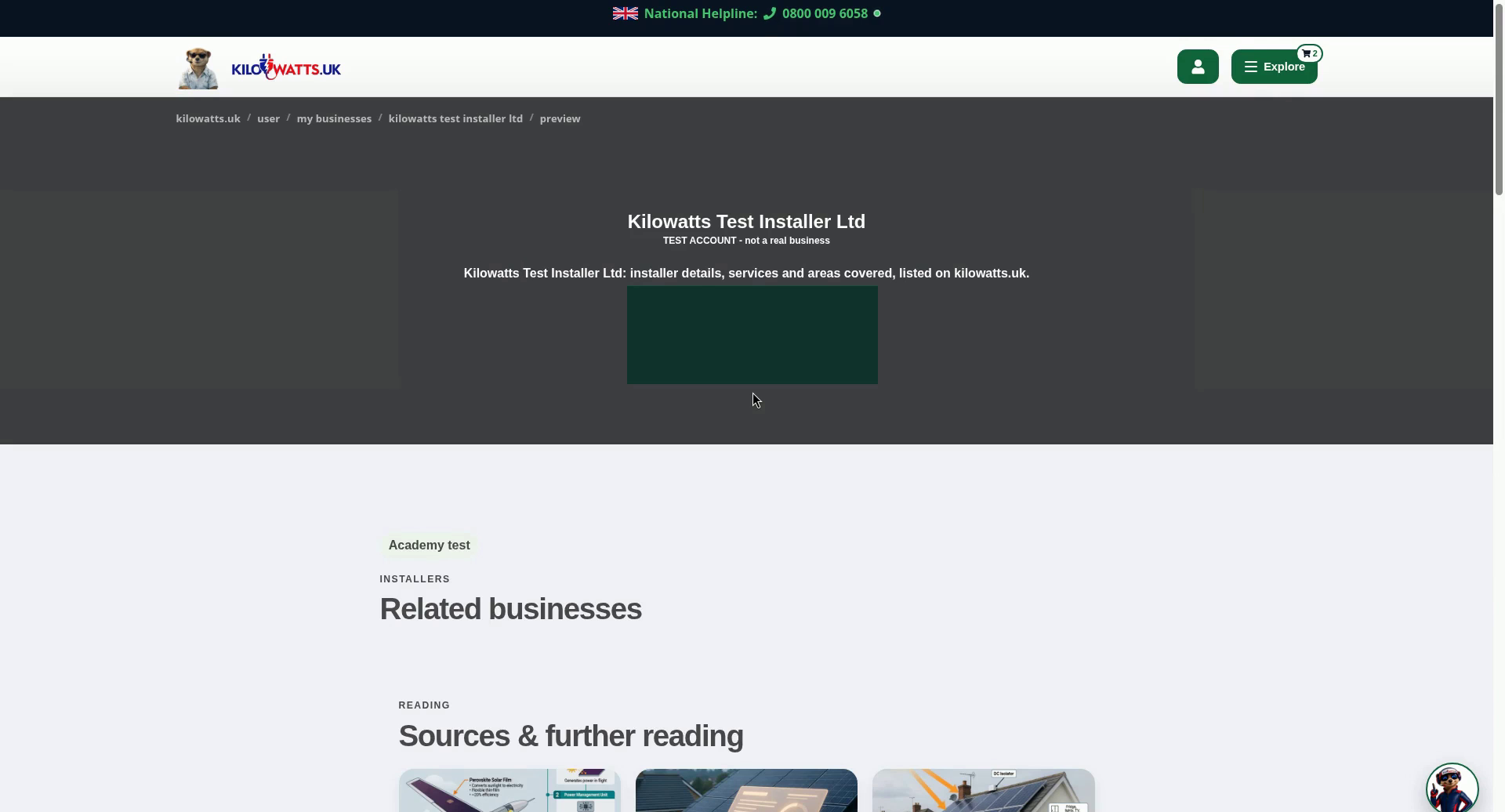
The listing shown is a test account, and its contact details are blurred.